Better protection than HMD phones at a lower price

Text bubble icon

Monitor text messages remotely
Approved contacts only

Blocked icon

No social media or adult apps

games icon

Flexible, customisable controls

Compare HMD Fuse vs Pinwheel

Pinwheel lets you tailor your child’s phone as they grow and mature.
Pinwheel
HMD Fuse
Choose your preferred phone brand and mobile network
App safety ratings for 1,200+ popular apps to help you decide
Read text messages remotely, even if your child deletes them
Safe modes for different ages
Caregiver Portal: powerful parental controls for apps

Choose the mobile network that's right for your family.

Pinwheel works on most network providers with the same great features.


Optus logo2
Telstra logo
Vodafone logo gray

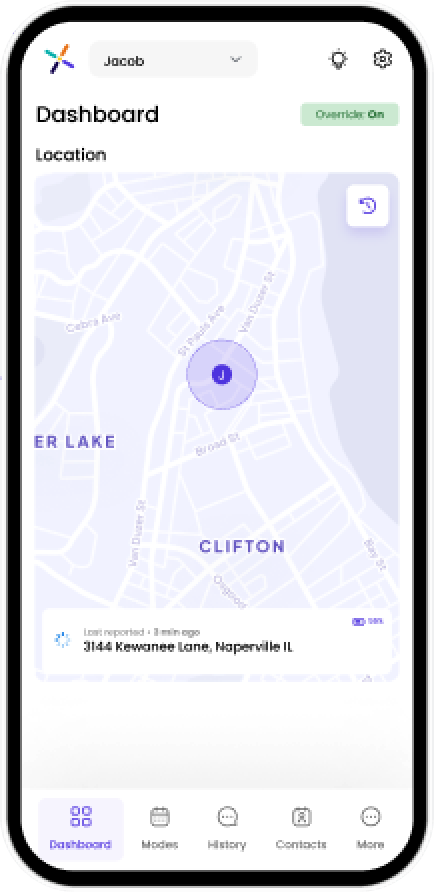
The Caregiver Portal gives you visibility into your child's digital life

Save 15% on your subscription when you buy multiple devices!

Monthly

A$25.99

Quarterly

A$75.99

Annual

A$279.99

See why thousands of parents are choosing Pinwheel over HMD Fuse phones
video-poster-2-1
Why Pinwheel
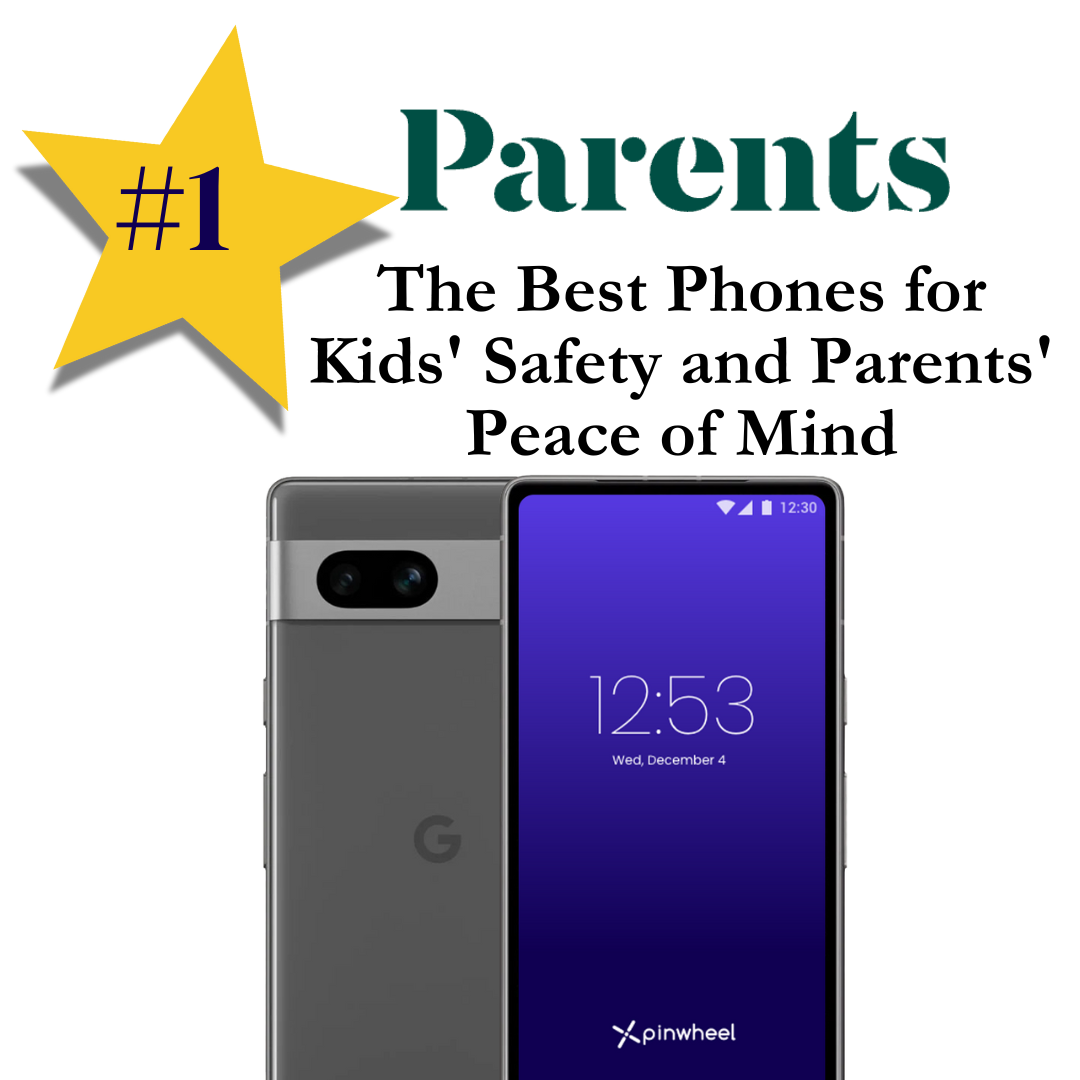
Parents Mag endorse star
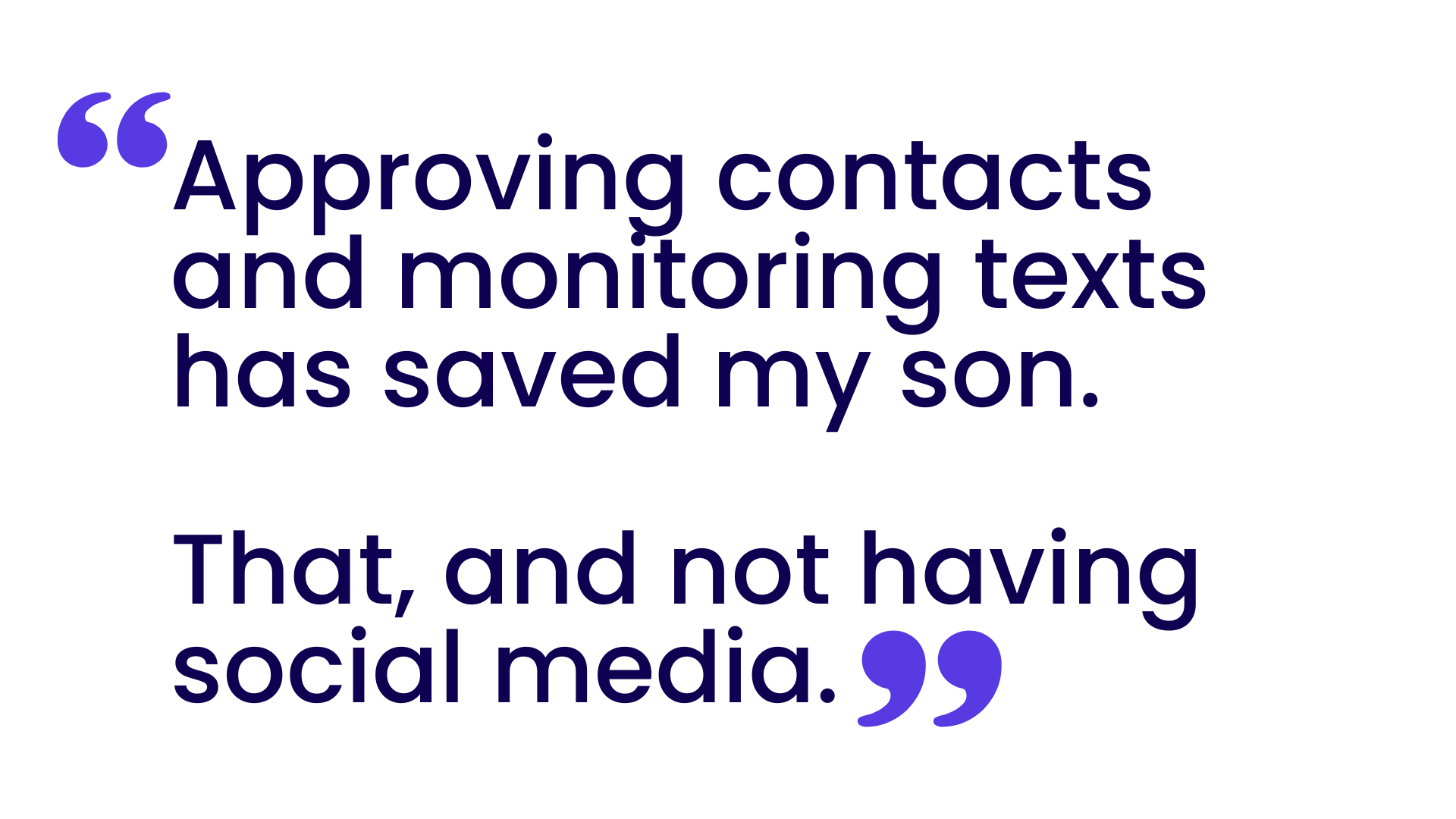
Bark phone quote 2

Complete remote access to your child’s phone means complete peace of mind for you

No social media icon100

No social media or adult apps

Call block icon

Safelist blocks 100% of strangers and spam

Chat Icon

Monitor text messages remotely

Apps Icon outline light_transparent

See app safety ratings before installing

Purple clock icon

Set schedules for contacts and apps

Map icon

Locate your child

Pinwheel vs. HMD Fuse Frequently Asked Questions

Is Pinwheel available in Australia?

Yes! Pinwheel offers free standard shipping from our warehouse in Sydney.

Does Pinwheel allow social media?

While parents can choose to download nearly any app, social media and adult apps are not allowed. HMD phones allow social media apps.

What mobile networks can I use?

Pinwheel works on major mobile networks in Australia.

What apps are available on Pinwheel vs. HMD Fuse?

Pinwheel doesn't allow social media or adult apps, and provides a curated list of apps with in-depth safety ratings.

On a HMD Fuse phone, kids see all of the apps available in the Google Play Store, but they need parental approval to download them.

The Pinwheel App Library contains more than 1,200 vetted apps with in-depth safety ratings, including popular apps like Duolingo, Google Classroom and Maps and Spotify.

No busy parent has the time or energy to evaluate every app, so Pinwheel's dedicated app team provides easy-to-understand ratings for each app in the library, along with what you need to know before adding an app to your child's phone.

How can I see my child's text messages and call history?

Parents and caregivers can remotely view a child's entire text and call history on Pinwheel's Caregiver Portal from their own device. Even if a child deletes a text message, it will still show up on the portal for the parent.

How can I manage who my child can communicate with?

With Pinwheel, nobody can call or text the phone who isn't on the Safelist of approved contacts. Parents can limit the phone to emergency contacts at school and at night, but enable friends, family, coaches, or neighbors during other modes. Once your child is ready, you can give them the ability to manage their own contacts.

Pinwheel blocks 100% of unwanted / unapproved calls and texts.

How can I manage my child's screen time?

On Pinwheel smart phones, caregivers can schedule when their kids can use specific features. Modes like "school mode," "everything mode," and "family time mode" change every app, contact, and routine on the phone to lock or unlock features, contacts and apps depending on the time of day.