3 Stage Three Ages 10 - 16 · Building Responsibility

IRL friends first. Phones second.

They’re riding the bus, texting friends, and finding their own interests. You manage the contact safelist, set the limits, and stay close enough to talk about what comes up.

Girls walking 2

She manages soccer practice, on the field and in the chat.

Zoe is 12 going on 22. She takes the city bus home, watches her little brother until her mom gets home, and manages her own schedule. Her Pinwheel Phone has grown with her: from calls and a few contacts to her soccer team’s group chat, maps, the bus app, and music for the ride to school.


Sandra reviews her messages every week or so, not hovering, just present. It’s led to real conversations, like one about a girl being left out of the group chat and another about a TikTok a friend showed her. Staying in the background, like a plant, has taught Sandra a lot about her daughter. Zoe checks in on friends and sometimes mediates their conflicts. She doesn’t always get it right, but she’s working at it.


The goal isn’t to catch Zoe doing something wrong, but to make sure that when she stumbles, she knows exactly where to land.

Soccer girls hugging
⚽️ 🥅 🔥
🚌 ETA: 6:15
💬 "Do you need a ride home today?"

The Pinwheel Caregiver Portal app supports appropriate settings regardless of the device you choose.

At the Building Responsibility stage, kids are making their own friends apart from parents, so parents want to set the guardrails like schedules and time limits, and monitor communication and relationships in the background.

Caregiver app · what's on at Stage 3
GPS location On
Contact safelist blocks strangers On
Parent reviewed text messages On
Image texting with trusted contacts On
Fun apps (music, creativity, games) On
Time limits set together On
Group texting when ready On
Social media apps & web browser Off
Use the Caregiver Portal with an appropriate device

Recommended devices for this kids at this stage

When your child needs to communicate with more people, and to use apps like public transit and music, help them build responsibility through a mobile phone that opens up as they grow.
Genesis 4 G65L Cross Angle Gray BG
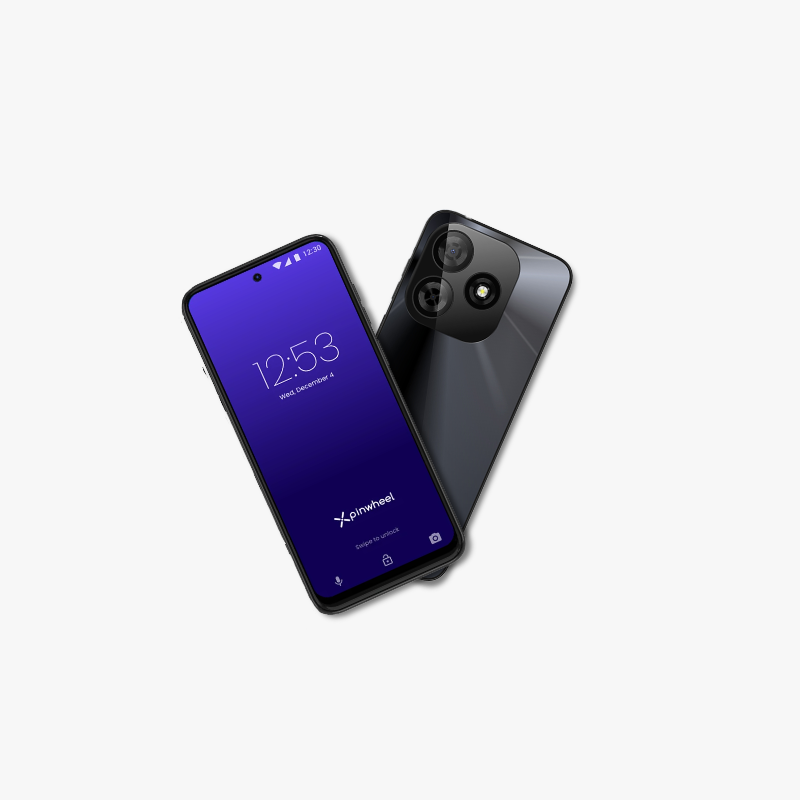
Starter phone

Pinwheel Genesis

$119 Shop →
Slim Angle centered 450
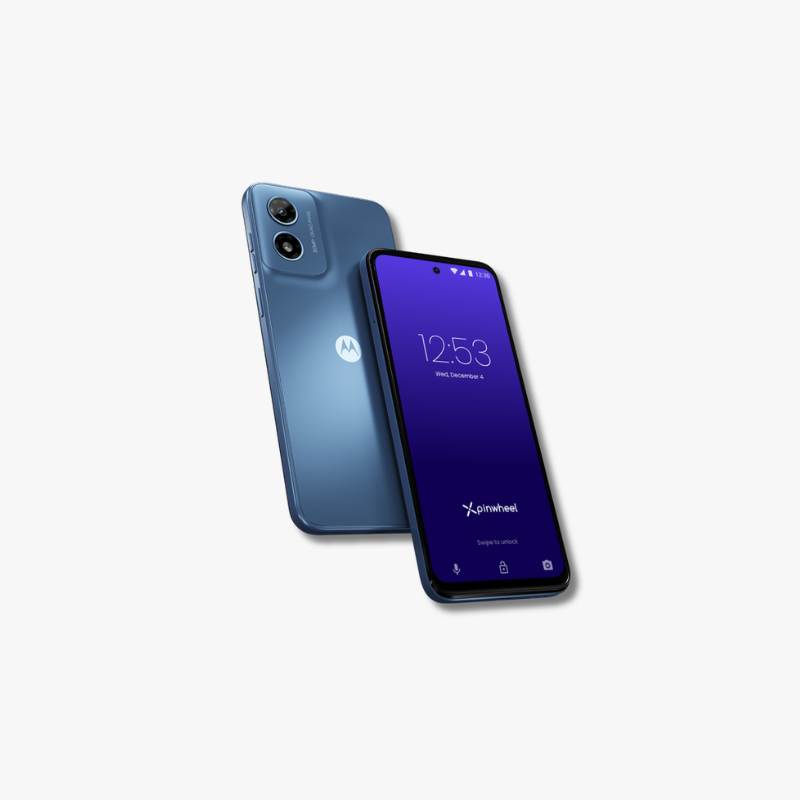
Mid-range Phone

Pinwheel Slim

$199 Shop →
Plus Double Angle centered 450
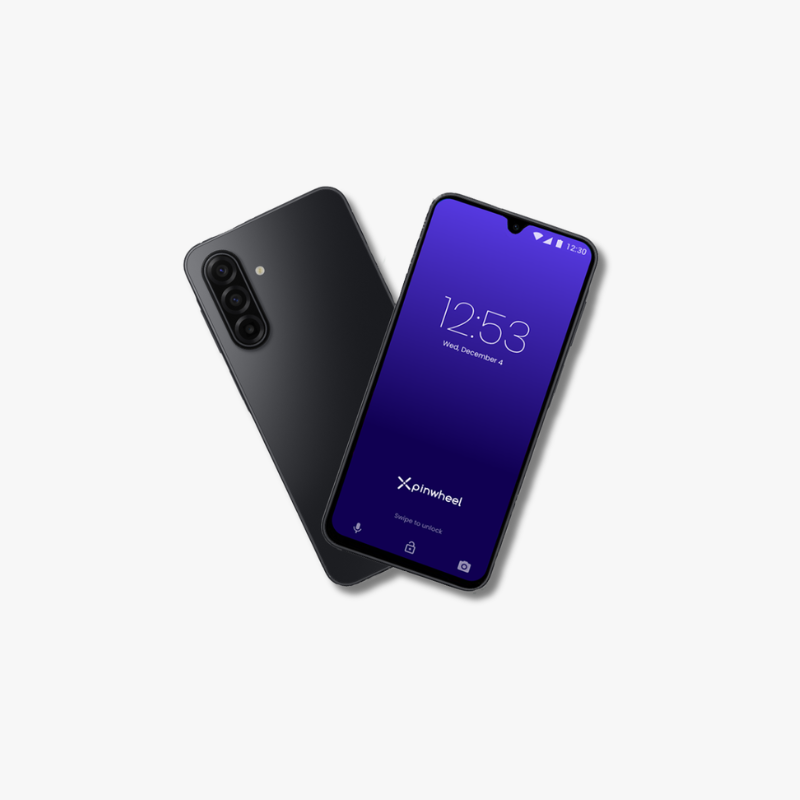
Premium Phone

Pinwheel Plus

$299 Shop →

↻ Any Pinwheel mobile device can run a Stage 3 setup. Choose the model based on hardware specs (camera quality, memory, etc.).

Signs your kid is ready for Stage 3

You know your child best and they may not fit neatly into a stage. They may be ready for a Stage 3 device if they:

  • Take responsibility for their belongings
  • Manage friendships in a healthy way
  • Follow device rules and boundaries
  • Ask for adult help when needed

What Stage 3 builds.

Devices come and go. These are the habits and skills your kid carries into the next stage — and the rest of their life.

Girl getting on the bus 2
Communication

Build IRL friendships and navigate relationship issues with parental support.

For your kid
Online Safety

Understand and avoid digital risks like scammers, photo sharing, and fake information.

For you
Self-Regulation

Maintain technology boundaries with contacts and apps.

For your kid
Real-Life Independence

Arrange transportation independently (getting rides, taking bus)

For you
Frequently asked

Questions about Stage 3

Can I see my child's text messages?

Yes. Parents can see complete text messages in the Caregiver Portal app, even if the child has deleted them. You can also use the AI Summary tool to get an overview and highlight anything concerning.

Can they send and receive images via text?

Image texting allows your child to communicate more, but also carries risks. Managing image sharing on a contact-by-contact basis helps your child understand and manage these risks as they grow.

What apps should I approve?

The Pinwheel App Library has safety ratings on more than 1,000 apps to help you decide which apps fit your child. Start with green-level apps that have no major concerns. As your child can manage more, you can add more. Add any app in the Google Play Store to your child's device, except social media and adult apps. 

Are there screen time limits for apps?

Yes you can set a schedule for when specific apps are available, and for how long.

Can I use my own cellular plan?

Yes. Pinwheel Wireless offers unlimited calls and texts, plus 5GB of high speed data with no contracts (cellular is provided by Gigs Wireless). You can also simply get a SIM card from the carrier of your choice.