

1
Stage One
Making Connections · Ages 5–12
A real phone. Real talking. No screen.
Learn to have real conversations, before texts and group chats and apps.

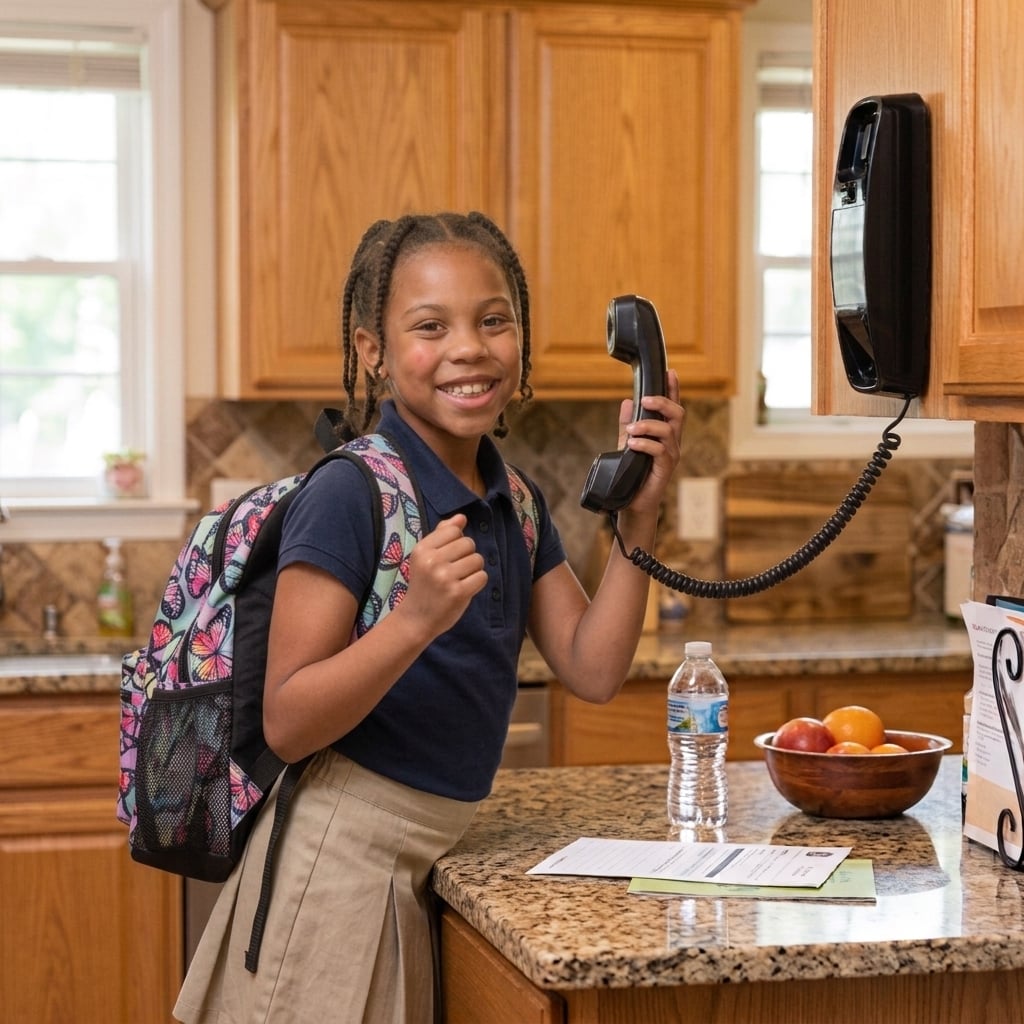
Now that she knows how, she wants to call everyone.
Amara is seven and comes home from school every afternoon bursting with news that can't wait. She wants to call Lily. She wants to call grandma. She wants to call everyone.
Faith and David love that about her. They're just not ready to hand her a smartphone to do it with all of the risks, the apps, and the rabbit holes.
📞
Why landlines1 in 4 children have a smartphone by age 8.
💬 "Text Lily's mom pleeease!"
📱 "She can't need a smartphone yet?"
Use the Caregiver Portal with an appropriate device
Recommended device for this stage.
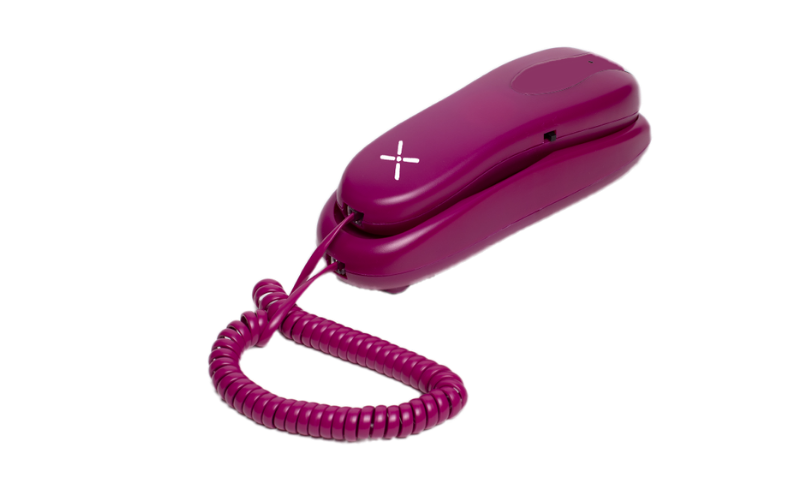
Pinwheel Home landline phones are as simple as you can get.
The Payoff
What Stage 1 builds.
Devices come and go. These are the habits and skills your kid carries into the next stage — and the rest of their life.
Telephone skills
For your kid
Learn how to make and answer calls, take turns talking, say goodbye.
Stronger Relationships
For your kid
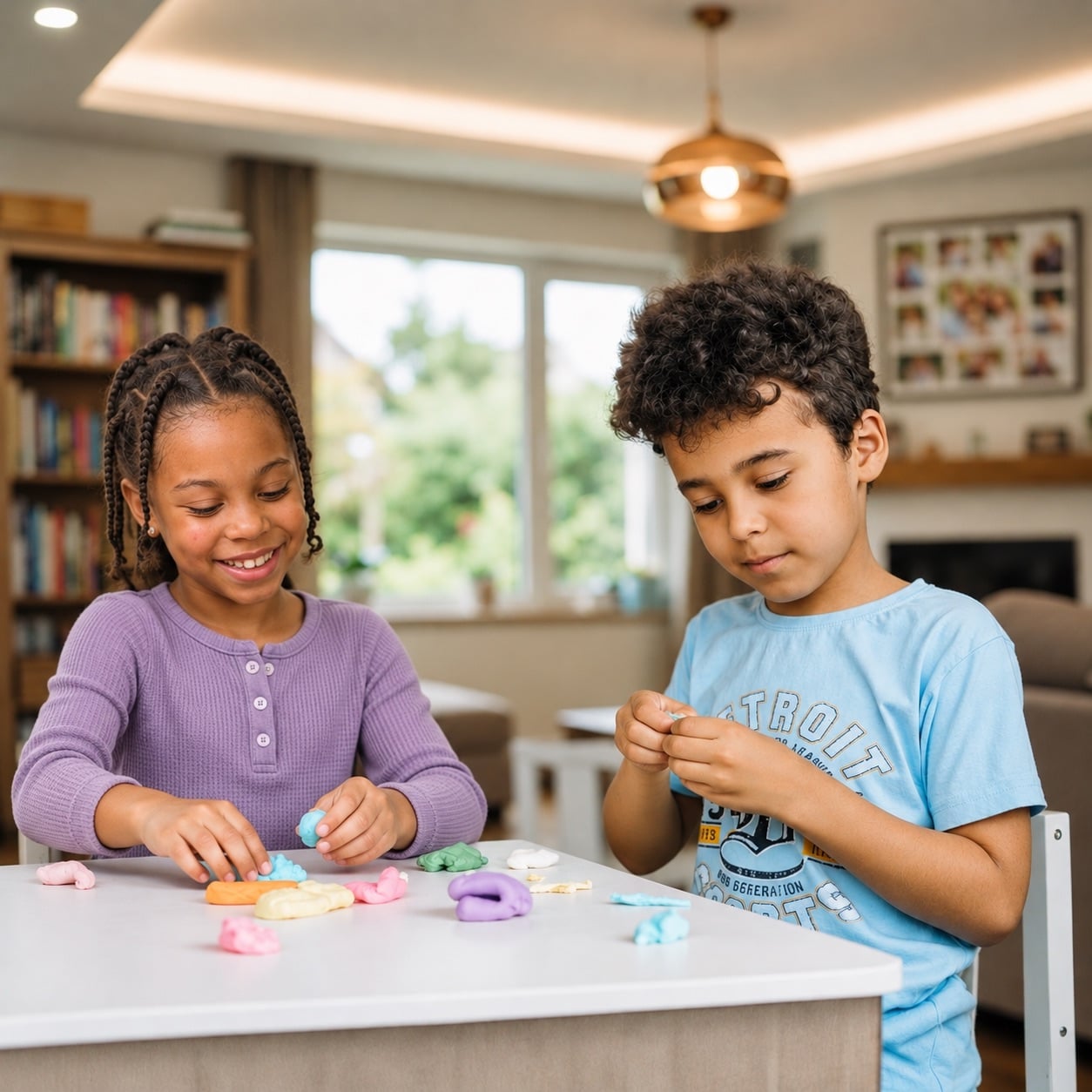
Talking to friends without screens allows kids to connect without distractions.
Technology Boundaries
For you
Contact safelist and quiet hours demonstrate appropriate tech boundaries.
Independent Communication
For you
When kids call their friends independently, you can retire as social secretary.